 EN
EN

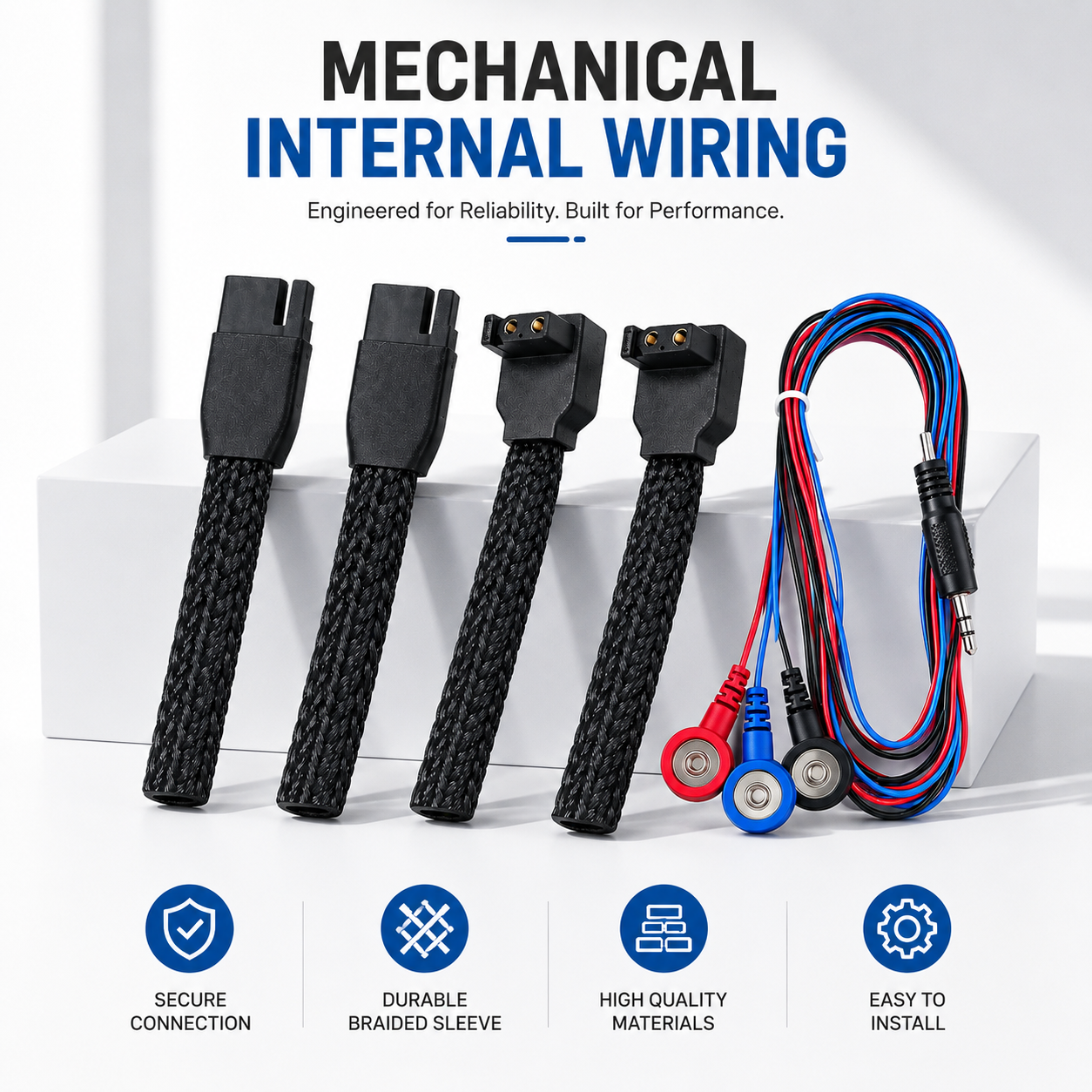
When setting up 5G base stations outdoors, using the right Ethernet cables is super important. These cables help connect all the parts of the station and make sure everything works smoothly. Since these stations are outside, you need to choose cables that can handle the weather, like rain or snow. UNIEAN offers cables that are specially designed to be waterproof and strong, so they last longer in tough conditions. This article will give you tips on how to find good-quality Ethernet cables and how to install a waterproof wire connectors properly outdoors.
Where to Find High-Quality Ethernet Cables for Wholesale 5G Projects?
Finding good Ethernet cables for your 5G projects can be tricky, but it’s important to know where to look. You want to buy from suppliers who sell high-quality products. One great place to start is online. Websites that focus on technology and networking often have a wide selection. UNIEAN, for example, has a range of Ethernet cables that are perfect for outdoor use. You can find options that are flexible and durable, which is what you need for harsh weather conditions.
When you’re looking for cables, remember to check the specifications. Look for cables that are rated for outdoor use. These cables should be made with materials that resist water and UV rays. Sometimes, buying in bulk can save you money. Many suppliers, including UNIEAN, offer discounts for larger orders. So, if you need a lot of cables, ask about wholesale pricing.
Don’t forget to read reviews from other customers. This can help you understand the quality of the cables before you buy them. If you see that many people are happy with a certain product, it’s a good sign. Also, make sure the company has good customer service. If you have questions or need help, you want to be able to get answers easily. Lastly, check if the supplier offers warranties. This shows they trust their products and are willing to back them up.
What are the Best Practices for Ethernet Cable Installation in Outdoor Environments?
Installing Ethernet cables outdoors comes with its own set of challenges. First, you should plan the route for the cables carefully. Look for a path that avoids sharp edges or places where the cables could get damaged. It’s best to bury the cables underground if you can. This keeps them safe from weather and animals. If you have to run cables along the surface, make sure to use protective conduits. These can help shield the cables from rain, sunlight, and physical damage.
Before you start, gather all the tools you need. This includes cable ties, connectors, and waterproof sealants. When connecting cables, be sure to use the right connectors. The connections should be tight to prevent any loss of signal. After connecting, use waterproof tape or sealant on the connections. This adds an extra layer of protection against moisture.
Testing the cables after installation is crucial. You can use a cable tester to check if everything is working properly. If a cable isn't functioning, it’s better to find the problem right away instead of waiting. Also, label your cables. This will help you keep track of which cable goes where, making future maintenance easier.
Finally, keep an eye on the weather before starting your installation. If it is too rainy or windy, it might be better to wait. Safety should always come first. Following these tips will help ensure that your Ethernet cables remain in good condition and work well for your 5G base stations. With the right cables from UNIEAN and careful installation, you can create a strong, reliable network.
How to Troubleshoot Common Issues with Ethernet Cables in 5G Deployments?
When you set up a 5G base station, it is super important to make sure your Ethernet cables are working well. Sometimes, things can go wrong, and you might notice issues with the connection. If your internet is slow or not working at all, don’t worry! Here are some easy steps to help you troubleshoot those common problems.
First, check the cable itself. Look for any cuts, bends, or breaks in the wire. If you see any damage, you might need to replace the cable. A damaged cable can stop the connection from working properly. Next, make sure the connectors at both ends of the cable are plugged in tightly. Sometimes, they can come loose, which can cause connection problems. You should hear a click when you plug the Waterproof Connectors in correctly.
Another step is to test the cable with a special tool called a cable tester. This tool can help you find out if the cable is working as it should. If you don’t have a cable tester, you can try using a different cable to see if it fixes the problem. If the new cable works fine, then the old one was probably the issue.
Sometimes, problems can come from other devices, like the router or the switch. Make sure these devices are plugged in and working properly. You can restart them to see if that helps. Just like you might do with a computer, turning them off and on again can fix many small issues.
Finally, if you have checked everything and it still doesn’t work, it might be best to ask for help. You can contact a professional who knows a lot about Ethernet cables and 5G systems. At UNIEAN, we are here to help you with any questions or issues you may have. Remember, troubleshooting can sometimes take time, but with patience and careful checking, you can usually find and fix the problem.
What Ethernet Cable Types are Best for High-Speed 5G Base Stations?
Choosing the right Ethernet cable is very important for making sure your 5G base station works well. With high-speed internet, you want cables that can handle fast connections without any issues. There are a few types of Ethernet cables that are best for this job.
One popular type is called Cat6. This cable can support speeds up to 10 gigabits per second (Gbps) and can work well for distances up to 55 meters. It’s a great choice for outdoor use because it can handle the fast speeds needed for 5G. Another good option is Cat6a, which is an improved version of Cat6. It can support speeds of 10 Gbps for longer distances, up to 100 meters! This type is also shielded, which helps protect it from interference. This is very important when you are outside where there might be other signals that could mess with your connection.
You might also hear about Cat7 cables. These cables can support even higher speeds and are great for very fast connections. They are more expensive but can be worth it if you need the best performance. Cat7 cables have extra shielding, which helps keep the signal strong and clear, even when the weather is bad.
When picking the best cable for outdoor use, it’s important to choose cables that are waterproof and have UV protection. This helps them last longer when they are exposed to rain and sunlight. UNIEAN offers cables that are designed for outdoor use, making them perfect for 5G base stations.
In summary, when setting up a 5G base station, consider using Cat6, Cat6a, or Cat7 Ethernet cables. Each of these types has features that can help provide fast and reliable internet connections. Remember to choose cables that are built to withstand outdoor conditions, ensuring your network stays strong and efficient.
What Common Mistakes to Avoid When Deploying Ethernet Cables Outdoors?
When you deploy Ethernet cables outdoors, it’s important to do it the right way. There are some common mistakes that can lead to problems later on. By avoiding these mistakes, you can ensure your 5G base station operates smoothly.
One big mistake is not using outdoor-rated cables. Indoor cables are not designed to handle the weather, which can lead to damage from rain, wind, or sun. Always use cables that are specially made for outdoor use. They have protective features that help them last longer in tough conditions. At UNIEAN, we provide cables that are perfect for this purpose.
Another mistake is improperly sealing the cable connections. When cables are connected, it’s important to make sure they are well-protected from water and dirt. If water gets into the connections, it can cause the cables to short out or stop working. Use proper sealing techniques, like heat-shrink tubing or waterproof connectors, to keep everything safe.
Additionally, avoid running cables through areas where they can get damaged. For example, do not lay cables on the ground where they can be stepped on or run over by vehicles. Instead, try to use cable conduits or protective tubing. This keeps your cables safe from physical harm. One more mistake is neglecting to plan the cable route properly. Before you start, think carefully about where the wiring connectors will go. Avoid sharp bends and twists, as this can damage the cables. Plan a smooth route that minimizes the risk of damage.
Table of Contents
- Where to Find High-Quality Ethernet Cables for Wholesale 5G Projects?
- What are the Best Practices for Ethernet Cable Installation in Outdoor Environments?
- How to Troubleshoot Common Issues with Ethernet Cables in 5G Deployments?
- What Ethernet Cable Types are Best for High-Speed 5G Base Stations?
- What Common Mistakes to Avoid When Deploying Ethernet Cables Outdoors?